Say it. Then make it natural.
See the correction in your own sentence, with a more natural way to say it below.
Available on the App StoreiPhone · iPad

Practise a language with an AI partner. Get help as you chat, then turn your own conversations into listening and dictation practice.
iPhone & iPad · iOS 26 or later · Mac to follow
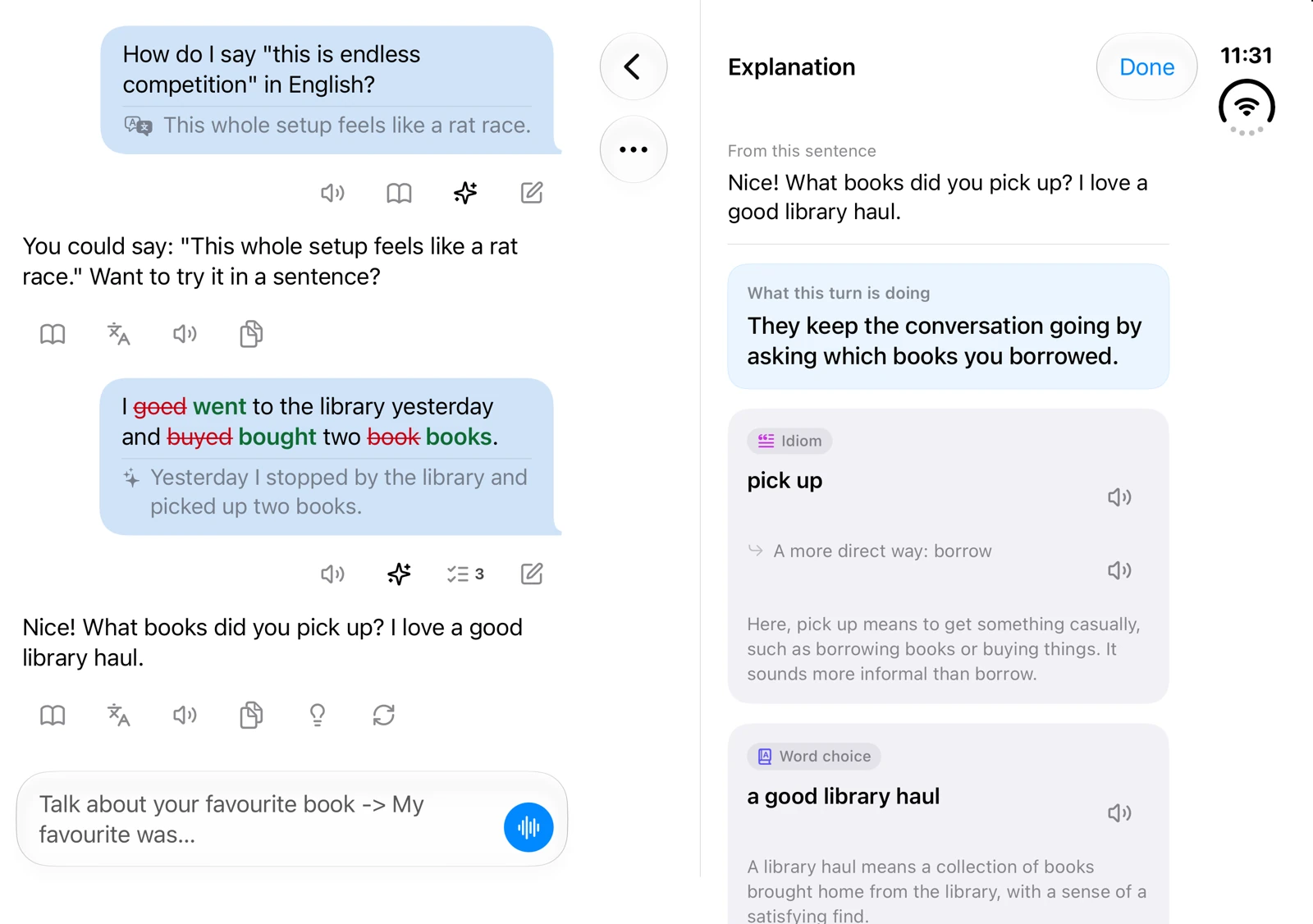
See the correction in your own sentence, with a more natural way to say it below.
Find out what a phrase means here, and why it fits this conversation.
Pick a situation and a role. Your AI partner plays the other side.
Help within reach
Stuck for words? Ask in your own language. Meet an unfamiliar phrase? Select it for a closer look.
Ask how to say it, get the natural way back, and keep the conversation going.
Select any words for their meaning in this sentence, common pairings and a fresh example. Every lookup is saved for you.
Sentence-by-sentence translation under any reply.
What the turn is doing, and the phrases worth keeping.
A few directions to take it next — not a script.
Apple voices, or Converloop AI's natural voices, free.
Scene Training
Ordering coffee, returning a shirt, seeing a doctor, asking for a raise: the situations you'll run into sooner or later are already set up. The AI plays the other side.
Everyday errands, travel, work and more. See your role and goal before starting the conversation.
What you keep fumbling becomes the goal of a fresh scene. Or describe your own situation in a sentence.
Listening Center & Dictation Review
Keep practising with sentences from your own conversations. Listen again, write what you hear, and revisit what you missed.
Pick sentences, change the speed, loop a single line. Background audio and lock-screen controls included.
Type each line as you hear it, then compare with the original to catch what you missed.
Learning Items
Corrections, successful uses and phrases you look up are saved as you chat. Come back to see what needs practice and what is starting to stick.
iPhone, iPad & Mac
A readable column on iPhone, chat and explanation side by side on iPad and iPhone Duo, a sidebar on Mac. With a keyboard: ⌘N · ⌘F · ⌘,
Fold it, and the same conversation carries on on the outer screen.
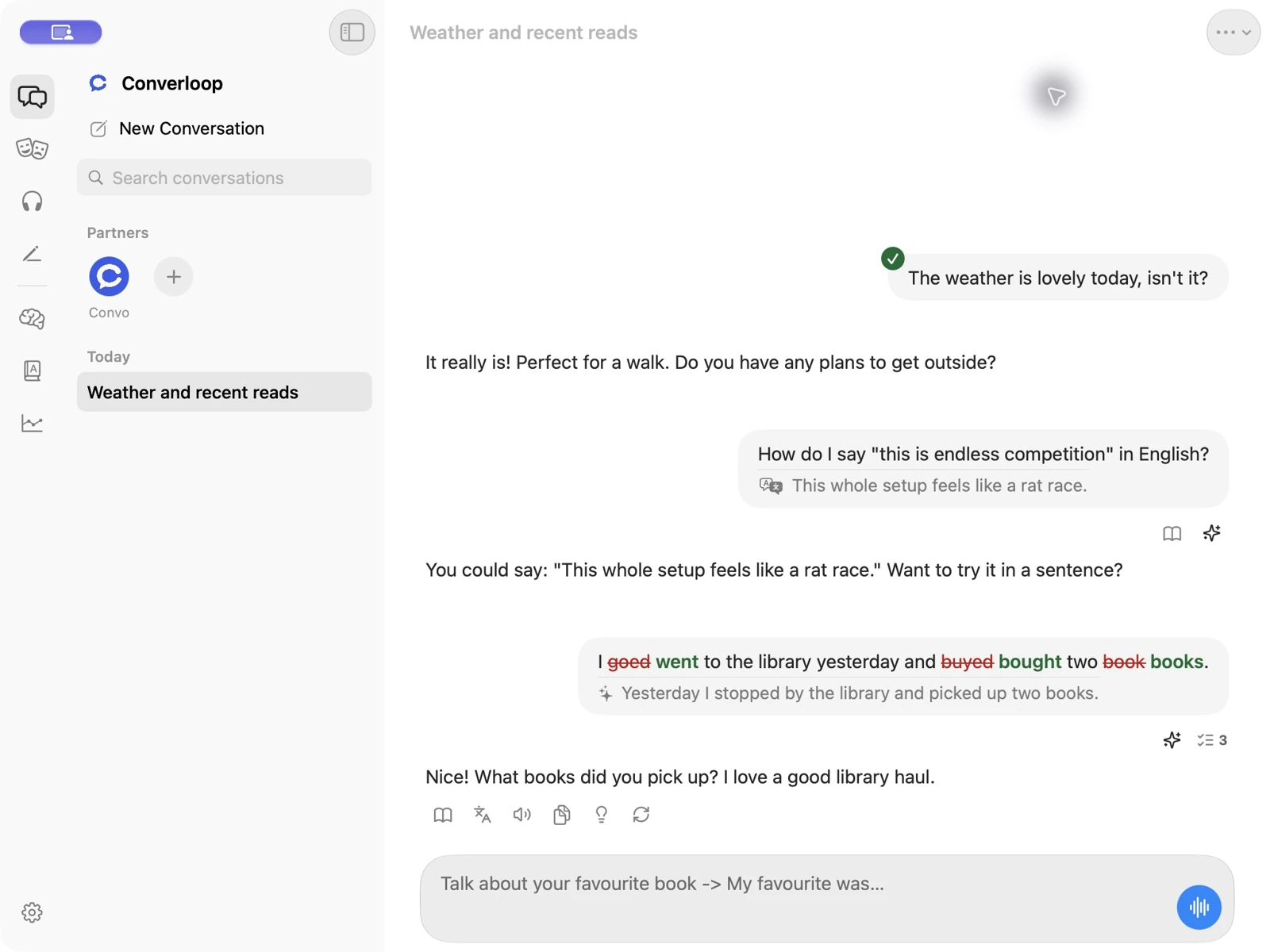
The same app, with a sidebar for partners, history and practice. For macOS 27.
Choose your AI
Pick a model service during setup and switch any time in Settings. There's no Converloop account either way.
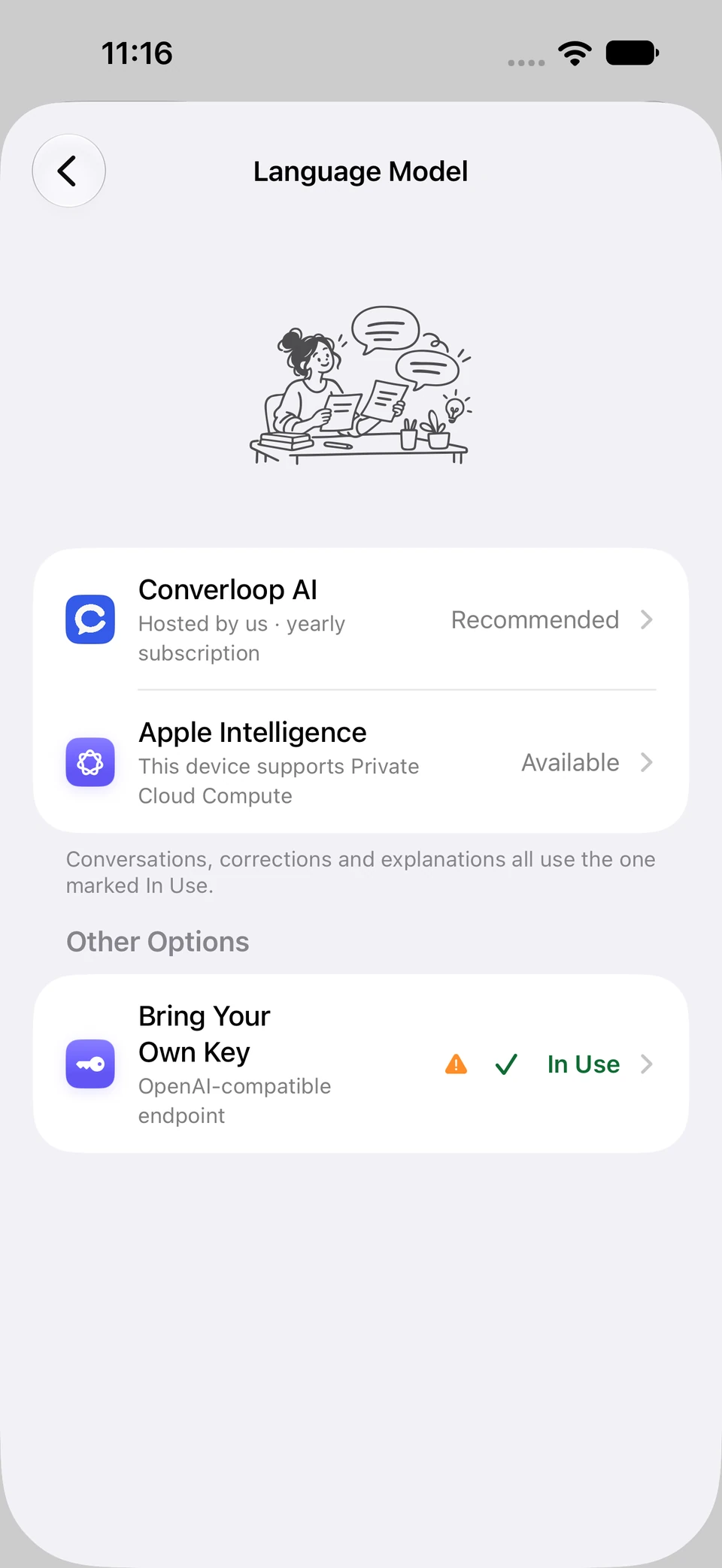
On-device and Private Cloud Compute, switched automatically. On-device requests never leave your device.
We host leading cloud models, so it works right away. Nothing is sent until you agree, and who receives it is named first.
Requests go straight from your device to the provider, and the key stays in your Keychain.
Voices: Apple (offline), Converloop AI's natural voices (free), or your own key — OpenAI, ElevenLabs, Gemini, MiniMax and more. Speech recognition runs on device by default.
A memory with a boundary
A conversation stays coherent within its own thread, but your personal life is never tracked across chats or turned into long-term memory.
Pricing
Then choose the plan that matches how you run the AI. No ads, no account.

For Apple Intelligence or your own API key
US$19.99one-time

Everything in Full, plus AI we host for you
Yearlysubscription
Converloop AI voices are free for everyone. Final prices are shown in the App Store for your region.
Seventeen are built in — English, Chinese (Simplified and Traditional), Cantonese, Japanese, Korean, French, German, Spanish, Italian, Portuguese, Russian, Thai, Vietnamese, Indonesian, Arabic and Hindi — and you can type in another. The app itself comes in nine languages: English, Simplified and Traditional Chinese, Japanese, Korean, Spanish, German, French and Brazilian Portuguese.
No. There's no Converloop account. If you use Converloop AI, the app registers a service ID for your device instead — there's nothing to sign up for.
Only learning state: your languages and level, goals, practice preferences, errors, expression gaps and review progress. Personal details from your conversations are never kept as memory across chats.
It depends on what you choose. Apple Intelligence's on-device model keeps requests on your device; Private Cloud Compute is processed by Apple. With your own key, text goes straight to that provider; with Converloop AI, it goes to our service after you agree. Converloop AI voices send the text to be spoken to Xiaomi MiMo. Your conversations and learning records stay on your device; your learner profile and some preferences can sync through your own private iCloud.
iPhone and iPad on iOS or iPadOS 26 or later, including iPhone Duo. A Mac version is on the way for macOS 27. Apple Intelligence also needs a device and region where it's available; if yours isn't one, use your own key or Converloop AI.
Every feature is free for 7 days. After that, the Lifetime Full Version is a one-time purchase for use with Apple Intelligence or your own key, and Converloop AI is a yearly subscription that includes every feature. Converloop AI voices are free.
Converloop is available on the App Store for iPhone and iPad. Use any download button on this page to get it.
Available now on the App Store, for iPhone and iPad.